Qatar Commercial Licence QR Code 2026 – MOCI & Single Window Guid
Qatar businesses can now display an official QR Code instead of a printed commercial licence extract. Learn how the new MOCI system works, where to obtain the QR Code through Single Window, what information it shows, display requirements and what business owners should still keep valid.
Trek Group Advisory
Official ConsultantCommercial License Renewal in Qatar# Qatar Commercial Licence QR Code 2026 – New MOCI Option, Single Window Process & Display Requirements
Qatar has introduced a new digital option for businesses to display their commercial licensing information.
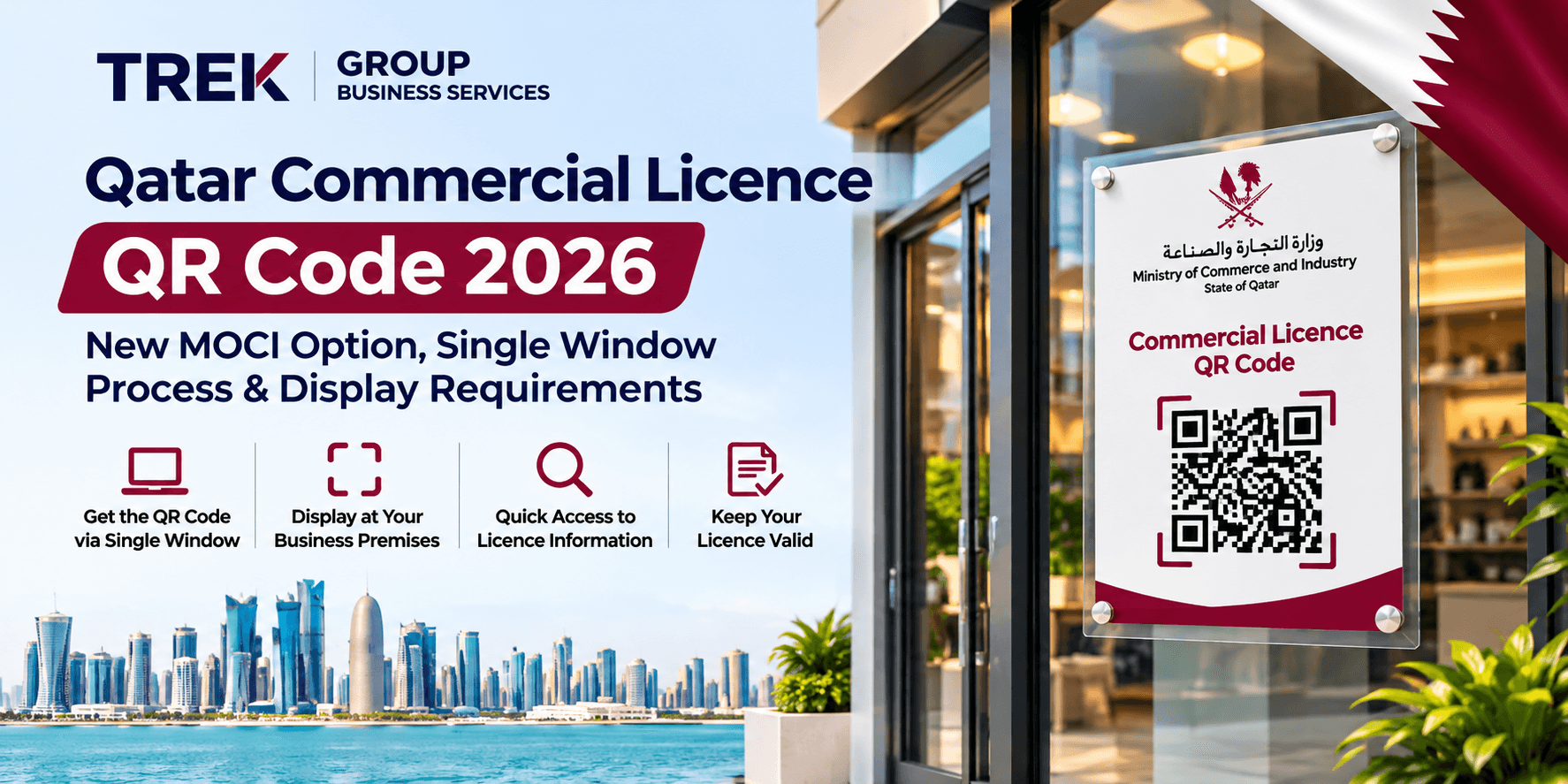
In November 2026, Qatar's Ministry of Commerce and Industry (MOCI) announced that owners of commercial establishments can display an official QR Code instead of a printed commercial licence extract at their business premises.
The QR Code provides quick access to official establishment details and commercial licensing information when scanned.
Business owners can obtain the QR Code through Qatar's Single Window platform and must display it in a clearly visible place at the commercial establishment.
This is an important change for companies, shops and other licensed establishments because it reduces reliance on repeatedly printing commercial licence extracts while making official licensing information easier for customers, investors and regulatory authorities to verify.
However, the QR Code does not mean that a business no longer needs a valid Commercial Registration or Commercial Licence.
This TREK Group Business Services guide explains what changed, how the QR Code works, where to obtain it and what Qatar businesses should continue to monitor after displaying it.
What Is the New Qatar Commercial Licence QR Code?
The new QR Code is a digital method of displaying and accessing a commercial establishment's official licensing information.
Instead of relying only on a printed commercial licence extract, an eligible business can display the QR Code issued through Qatar's official Single Window system.
When scanned, the code provides access to official information relating to the establishment and its commercial licence.
The Ministry's announcement is particularly relevant to:
- Companies
- Shops
- Commercial establishments
- Business owners
- Investors
- Customers
- Regulatory authorities
The objective is to provide faster and easier access to official and current licensing information.
What Changed in November 2026?
Previously, businesses generally relied on displaying printed commercial documentation at their licensed premises.
MOCI has now announced that business owners may display the official QR Code instead of the printed commercial licence extract.
The QR Code can be obtained through:
Qatar Single Window
and should be displayed:
In a clearly visible location inside the commercial establishment.
This allows licensing information to be checked digitally through a simple scan.
Does the QR Code Replace the Commercial Licence?
No.
This distinction is extremely important.
The QR Code changes the way the licence information can be displayed and accessed.
It does not eliminate the requirement for the company to have a valid Commercial Licence.
Therefore:
QR Code ≠ Commercial Licence
The business must still maintain its underlying Commercial Licence and other registrations.
If your Commercial Licence is approaching expiry, read our:
Commercial Licence Renewal in Qatar 2026
Does the QR Code Replace the Commercial Registration?
Businesses should not assume that it does.
MOCI's November announcement specifically states that the QR Code may be displayed instead of the printed commercial licence extract.
It does not state that the QR Code cancels every other company-document display requirement.
MOCI's current investor obligations also continue to state that businesses should display their Commercial Registration and Trade Licence prominently at the licensed premises.
Therefore, TREK Group recommends a conservative compliance approach:
- Use the official QR Code as permitted for the commercial licence extract.
- Keep the Commercial Registration valid.
- Keep the Commercial Licence valid.
- Continue following any separate MOCI display requirements.
- Do not remove other legally required records or signage unless the competent authority confirms they are no longer required.
For information about maintaining the CR, read:
Commercial Registration Renewal in Qatar 2026
Where Can Businesses Get the QR Code?
MOCI states that the QR Code can be obtained through the official:
Qatar Single Window Platform
Single Window is Qatar's digital platform for many commercial registration, licensing, renewal and company-establishment procedures.
Business owners should access the official Single Window platform and use the QR Code option available for their establishment.
Because government portal menus can change, the exact wording and location of the QR Code service inside Single Window may be updated over time.
Always use the official Single Window system rather than creating your own QR Code.
How to Obtain the Commercial Licence QR Code
Based on MOCI's announcement, the practical process can be understood as follows.
Step 1 – Access Qatar Single Window
Open the official Qatar Single Window platform.
Use the authorized account associated with the relevant establishment.
Step 2 – Select the Correct Establishment
If the authorized user is connected with more than one business, make sure the correct establishment is selected.
Step 3 – Find the QR Code Option
Use the commercial licence / establishment QR Code option available through Single Window.
The exact menu wording may change as the platform is updated.
Step 4 – Obtain the Official QR Code
Generate or obtain the QR Code provided through the official platform.
Do not create a self-designed QR Code that merely links to your own website or a photograph of your licence.
The important point is that the QR Code should be the official code obtained through Single Window.
Step 5 – Display It Prominently
MOCI states that the QR Code should be displayed in a clearly visible location at the commercial premises.
Businesses should make sure it is:
- Easy to see
- Easy to scan
- Not obscured
- Printed clearly enough for scanning
- Located at the licensed establishment
What Information Can Be Checked Through the QR Code?
According to the current MOCI announcement, scanning the QR Code provides access to:
- Establishment details
- Commercial licensing information
The objective is to provide official and up-to-date business information directly through the government digital system.
This can make verification easier for customers, investors and regulatory authorities.
Can Customers Scan the QR Code?
Yes.
One of the advantages of the new system is that members of the public can access official business information more easily.
A customer can scan the displayed QR Code to access the licensing information made available through the government system.
This can help customers confirm that they are dealing with a registered commercial establishment.
Can Inspectors Use the QR Code?
The new system is designed to make establishment and licensing information easier to access for regulatory authorities as well as businesses and the public.
However, businesses should not assume that displaying a QR Code means an inspector can never request any other document.
The QR Code is a digital alternative for displaying the commercial licence extract.
Companies must still maintain the licences, approvals and other records required for their activities.
Is There a Government Fee for the QR Code?
The public announcement reviewed for this guide does not state a separate QR Code fee.
TREK Group therefore does not recommend publishing or promising a specific government fee unless it is shown by the current Single Window transaction.
If Single Window displays a fee for your particular transaction, follow the amount generated by the official system.
Is There a Deadline to Replace the Printed Licence With a QR Code?
The announcement reviewed for this article does not specify a universal deadline requiring every business to replace the printed commercial licence extract by a particular date.
The announcement provides businesses with the option to use the QR Code instead of the printed commercial licence extract.
Businesses should follow any future instructions issued by MOCI or Single Window.
Does Every Business Need a New QR Code?
Businesses should obtain the official QR Code associated with their own licensed establishment.
Do not copy another company's QR Code.
Do not use a generic QR Code.
Do not create an unofficial QR Code using an online QR generator and assume that it satisfies the MOCI requirement.
The official licensing QR Code should come through the government system.
What Happens If the Commercial Licence Expires?
The QR Code does not keep an expired licence valid.
If the underlying Commercial Licence expires, the business still needs to complete the appropriate renewal procedure.
Qatar Single Window provides a Comprehensive Renewal service for Commercial Registrations and Commercial Permits that are expired or approaching expiry.
The system currently allows eligible CR and Commercial Permit renewals for periods between one and five years, subject to the applicable requirements.
Read our complete:
Commercial Licence Renewal in Qatar 2026
Should the QR Code Be Updated After Company Changes?
If your company makes changes to its official records, check the information available through the QR Code afterwards.
Company changes can include:
- Trade name changes
- Commercial activity changes
- Commercial Licence amendments
- Address changes
- Branch changes
- Manager changes
- Other official company amendments
The purpose of the QR Code is to provide official licensing information.
Businesses should therefore make sure that the underlying government records remain accurate.
Do not assume that a physical QR printout should be kept indefinitely without checking whether Single Window requires a new version after a company amendment.
QR Code vs Commercial Registration
These are not the same thing.
Commercial Registration
The Commercial Registration records the business within Qatar's commercial-registration system.
It can contain information relating to the company and its approved commercial activities.
Commercial Licence QR Code
The new QR Code provides digital access to establishment and commercial licensing information and can be used instead of the printed commercial licence extract according to MOCI's November 2026 announcement.
One does not eliminate the importance of the other.
QR Code vs Commercial Licence
The Commercial Licence is the actual government licence connected to operating the approved activities from the licensed premises.
The QR Code is a digital way of displaying and accessing its official information.
Therefore:
A QR Code does not make an expired or invalid Commercial Licence valid.
QR Code vs Establishment Card / Computer Card
These should also not be confused.
The Establishment Card, commonly called a Computer Card, is connected with the company's establishment and applicable Ministry of Interior procedures.
The Commercial Licence QR Code concerns MOCI commercial licensing information.
They serve different purposes.
Does the QR Code Change Company Formation Requirements?
No.
The new QR Code does not replace the company-formation process.
Businesses still need to complete the applicable stages for their particular structure and activity.
Depending on the company, this can include:
- Trade name
- Commercial Registration
- Articles of Association
- Commercial Licence
- Business premises
- External approvals
- Qatar Chamber requirements
- Establishment registration
- Labour and immigration procedures
- Tax registration
- Other activity-specific requirements
For new companies, visit:
Company Formation & Business Setup in Qatar
Does the QR Code Remove the Need for CR and Licence Renewal?
No.
This is one of the most important points for business owners.
Digital display does not remove the obligation to maintain valid company records.
MOCI currently advises businesses to renew their Commercial Registration and Trade Licence before expiry.
A QR Code linked to outdated or expired underlying records does not solve the compliance problem.
Businesses should continue tracking:
- CR expiry
- Commercial Licence expiry
- Qatar Chamber status where applicable
- Establishment documents
- Sector approvals
- Employee documentation
- Other compliance deadlines
For ongoing support, visit:
Why Is Qatar Introducing Commercial Licence QR Codes?
The change forms part of Qatar's wider digital transformation of business services.
During 2026, MOCI introduced or expanded several digital initiatives, including:
- E-Commerce Licence services
- Qatar Business Map improvements
- Digital company certificates and extracts
- Comprehensive Renewal
- Additional MOCI app services
- New Single Window integrations
The QR Code initiative continues this move toward easier access to official business information and more digital government transactions.
Benefits for Business Owners
The new system can make day-to-day compliance more convenient.
Potential benefits include:
- Less reliance on repeatedly printing licence extracts
- Faster access to official licensing information
- Easier verification by customers
- Easier verification by regulatory authorities
- Access to current government information
- More convenient display at business premises
- Better integration with Qatar's digital business services
The QR Code should nevertheless be treated as a display and verification tool, not as a substitute for maintaining valid government registrations.
Practical Checklist for Qatar Businesses
Before relying on the new QR Code option, check the following:
- Commercial Registration is valid
- Commercial Licence is valid
- Company information is correct
- Registered activities are accurate
- Business location is correct
- QR Code is obtained from Single Window
- QR Code is displayed prominently
- QR Code scans properly
- Licensing information shown after scanning is correct
- Other required company documents remain available
- Shop signage continues to meet MOCI requirements
- Licence number is displayed where required
- Renewal dates are monitored
Common Mistakes to Avoid
1. Creating Your Own QR Code
Use the official QR Code obtained through Single Window.
2. Assuming the QR Code Is the Licence
It is not.
The underlying Commercial Licence must remain valid.
3. Assuming It Replaces Every Company Document
The announcement specifically concerns the printed commercial licence extract.
Do not automatically remove CR or other required documents.
4. Displaying the Code Where Customers Cannot Scan It
MOCI says it should be displayed in a clearly visible location.
5. Forgetting Licence Renewal
The QR Code does not extend the expiry date of the Commercial Licence.
6. Ignoring Company Amendments
Check the QR Code information after official company changes.
7. Using an Old Screenshot of a QR Code Without Verification
Use the current code provided through the official system and verify that it scans correctly.
Frequently Asked Questions About Qatar Commercial Licence QR Codes
Can I display a QR Code instead of my printed Commercial Licence extract?
Yes.
MOCI announced in November 2026 that owners of commercial establishments can display an official QR Code instead of a printed commercial licence extract.
Where do I get the QR Code?
Through Qatar's official Single Window platform.
Where should I display the QR Code?
MOCI states that it should be displayed in a clearly visible location at the commercial establishment.
What happens when someone scans it?
The code provides access to official establishment details and commercial licensing information.
Does the QR Code replace the Commercial Licence itself?
No.
It is a digital display and verification method. The underlying Commercial Licence must remain valid.
Does it replace my Commercial Registration?
The November announcement specifically refers to replacing the printed commercial licence extract.
Businesses should not assume that it cancels separate Commercial Registration display or compliance requirements.
Do I still have to renew my Commercial Licence?
Yes.
The QR Code does not remove renewal obligations.
Is the QR Code mandatory?
The announcement reviewed for this guide describes it as an option that businesses may use instead of the printed commercial licence extract.
No universal deadline for replacement was stated in the public announcement reviewed.
Is there a QR Code fee?
The public announcement reviewed does not specify a separate government fee for obtaining the QR Code.
Check the current Single Window transaction.
Can I create my own QR Code?
Do not use a privately generated QR Code as a substitute for the official government code.
Obtain the code through Qatar Single Window.
Can customers verify my business using the QR Code?
Yes.
The initiative is intended to make official establishment and licensing information easier for customers and other users to access.
What should I do if the information is incorrect?
Check the company's official records and use the appropriate MOCI or Single Window company-amendment procedure where necessary.
Need Commercial Licence or PRO Support in Qatar?
TREK Group Business Services assists Qatar companies with:
- Commercial Licence procedures
- Commercial Licence renewal
- Commercial Registration renewal
- Company amendments
- Business activity amendments
- Trade name amendments
- Establishment documentation
- Qatar Chamber procedures
- Company formation
- Single Window procedures
- MOCI documentation
- Ministry follow-ups
- Monthly PRO outsourcing
- Company compliance support
For professional assistance, visit:
or:
Contact TREK Group Business Services
TREK Group Business Services
Office No. 8, 2nd Floor
Building 210, Street 330, Zone 43
Doha, Qatar
Entrance near Baladna Hypermarket
Mobile / WhatsApp: +974 3051 6559
Secondary Mobile: +974 3005 6030
Landline: +974 4007 0727
Email: info@trekgroups.com
Recommended Related TREK Blogs
Commercial Licence Renewal in Qatar 2026
Read our full guide to Commercial Licence renewal, Single Window procedures and renewal requirements:
Commercial Licence Renewal in Qatar 2026
Commercial Registration Renewal in Qatar 2026
For CR renewal requirements, fees and company compliance:
Commercial Registration Renewal in Qatar 2026
Qatar Chamber Registration & Membership 2026
Understand the relationship between Commercial Registration, Qatar Chamber and business setup:
Qatar Chamber Registration & Membership 2026
Official Sources
- Qatar Ministry of Commerce and Industry – Local Investor Services and Business Obligations
- Qatar Single Window
- Hukoomi – Qatar Adopts QR Codes as an Alternative to Printed Commercial Licence Extracts
- Ministry of Commerce and Industry – Digital Services Package, September 2026
Accuracy & Update Note
Last reviewed: 21 November 2026
MOCI announced in November 2026 that commercial establishment owners may display an official QR Code instead of the printed commercial licence extract.
The QR Code is obtained through Qatar Single Window and should be displayed prominently at the licensed premises.
The public announcement reviewed for this guide does not specify:
- A separate QR Code government fee
- A universal deadline for replacing printed licence extracts
- That the QR Code replaces every other required company document
For these reasons, businesses should maintain valid Commercial Registration, Commercial Licence and other required approvals and follow the latest instructions displayed through MOCI and Qatar Single Window.
TREK Group Business Services provides professional business and PRO support. Government approvals and regulatory decisions remain with the competent Qatar authorities.
About Trek Group Qatar
Trek Group is a premier business setup and corporate advisory agency based in Doha, Qatar. We specialize in company formation, commercial licensing, QFC registrations, 100% foreign control advisory, and corporate PRO clearances.